How to Connect Your Phone to Your TV Wireless – Step-by-Step Guide
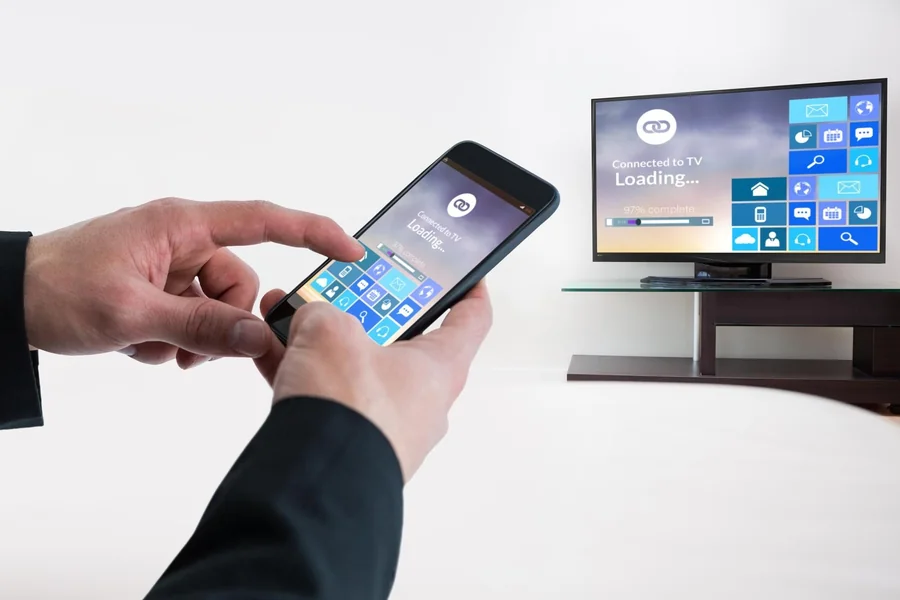
With wireless connectivity, you can watch your phone content like videos and photos, play games and applications on a bigger screen. Both Android and iOS phones are compatible with wireless connectivity without the frustration of using cables. Being able to connect your phone to your TV wirelessly can help you to have a better viewing experience as you can share with your family and friends content with no problem.
Getting Your Devices Ready to be Wirelessly Connected.
Make sure that your TV and phone are wireless screen sharing compatible beforehand. Both the devices are to be on the same Wi-Fi network. Make sure that your phone and TV software are up-to-date to prevent compatibility problems. The TVs can have to be enabled of the wireless display or screen mirroring option within the settings menu which is typically located in the Network or Display settings menu.
Android Phone to Your TVHow to Connect an Android Phone to Your TV.
Miracast is used by most Android phones or inbuilt casts. Tap your phone Settings Connected devices Cast or a similar feature. Choose your TV among the list of the available devices. There are also some Android applications that have a built-in cast button, i.e., YouTube or Netflix, and can be directly streamed. After being connected, the screen on your phone or the app content will be displayed on the TV thus you will have a smooth viewing experience.
Using an iPhone with Your TV.
In the case of iPhone users, wireless connection depends on the AirPlay or TV applications. Swipe down on the upper-right of the screen and select Screen Mirroring. Select your TV out of the list of AirPlay-compatible devices. Provided that your TV is not AirPlay compatible, the official TV app or some third-party applications can provide the option to cast photos, videos, or media content wirelessly.
Streaming Devices to use in order to connect wirelessly.
The process of wireless connection can be simplified with streaming devices and Roku, Amazon Fire TV, or Chromecast. As an example, Chromecast can cast Android and iOS devices, whereas Roku and Fire TV have native applications or screen mirror. These devices may enhance compatibility, minimize lag, and provide more streaming options with apps that are not compatible with the wireless casting itself.
Solutions to Wireless Connection Problems.
There are occasions when you can have problems with connecting your phone to your TV wirelessly. The typical issues are the non-appearing devices, poor connection, and slow video. The solution to these issues is as follows: both devices need to be connected to the same Wi-Fi network, restart phones and Flat screens, and update software. It is not advisable to operate several high-end applications on your network at the same time as this may cause streaming to be slow.
Final Thought
Knowing how to have your phone connected to your TV wireless would contribute to the convenience and diversity of your viewing experience. No matter the types of videos, photos, or apps, wireless connectivity eliminates cable messiness and enables one to watch the content displayed on a larger screen. You can make any wireless connection seamless and enjoyable by following the steps on the Android, iOs or streaming devices and thereby establishing a flawless wireless connection without glitching.
FAQs
Can I connect any phone to my TV wirelessly?
Most modern Android and iOS devices can connect, but compatibility depends on the TV or streaming device.
Do I need Wi-Fi to connect my phone to a TV wirelessly?
Yes, both devices must be on the same Wi-Fi network for most wireless connections.
Can I mirror apps like Netflix or YouTube to my TV?
Yes, these apps often have a built-in cast or AirPlay option for wireless streaming.
What should I do if my phone doesn’t detect the TV?
Ensure both devices are on the same network, restart them, and check for software updates.
Can I use streaming devices like Chromecast or Roku for wireless connection?
Yes, these devices simplify the process and improve compatibility across Android and iOS devices.
Will screen mirroring drain my phone battery?
Yes, prolonged screen mirroring can use significant battery, so keep your device charged.
Can I connect my phone wirelessly to older TVs?
Older TVs may require a streaming device or adapter to enable wireless connectivity.